Creating Your “Shit-Happens” Plan to Protect your Company and Family
Are you a startup founder, a corporate leader, an NGO director, or the head of your family? Have you been thinking about creating a business contingency plan? If so, this is for you.
Why You Need a Business Contingency Plan (and How to Create One)
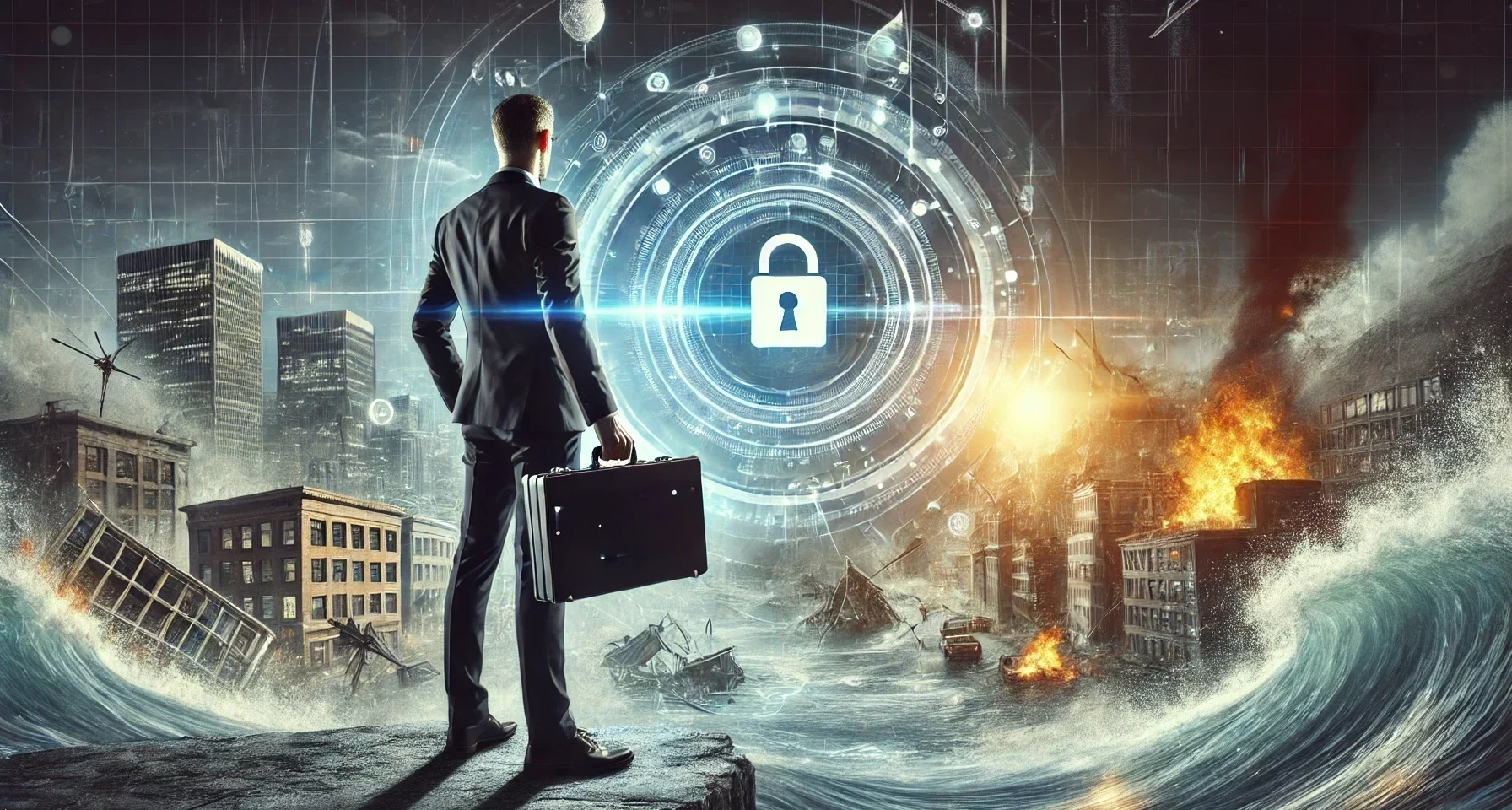
Life is unpredictable. Whether you’re an individual or a company, unexpected events—like cyberattacks, accidents, forces of nature, forced migration, sudden incapacitation, or data loss—can leave you scrambling. A “shit-happens” plan ensures that if something goes wrong, you (or those you trust) have secure access to the critical information needed to recover.
Fortunately, setting up a basic contingency plan with Secrets Vault takes only five minutes, and by focusing on the 20% of things that carry 80% of your risk, you can dramatically improve your resilience and crisis management.
Real-Life Examples of “Shit-Happens” Emergencies
- A CEO unexpectedly falls ill, and no one has access to essential business accounts.
- A fire destroys physical documents and backup hard disks containing passwords and recovery keys.
- A crypto holder forgets their seed phrase, losing access to their digital assets forever.
- A family member passes away, and the survivors struggle to access important legal and financial documents, as well as manage digital inheritance challenges, including replacing and accessing accounts scattered across multiple platforms.
If this matters to you, read our specific blog on Family Continuity Plans, including a document template.
A simple but effective business contingency plan can prevent such situations from becoming disasters.
What Should You Consider Protecting in your Shit-happens Plan?
Best practices for disaster recovery and risk management
When creating a contingency plan, focus on the key elements that you (or whoever may need them) will require in the future if an emergency arises. Begin with the most critical ones and gradually expand your list as needed.
With Secrets Vault, you can efficiently implement this approach, ensuring that each element is protected and access rights are well-defined within minutes. Below is a quick guide on what companies and individuals should consider safeguarding for the future.
Companies Should Protect | Individuals Should Protect |
Master passwords for key systems | List of essential passwords and access details |
Encryption keys & private keys | Crypto wallet seed phrases |
Business bank credentials | Personal financial information |
Insurance policies & legal documents (physical and digital copies) | Medical & insurance records |
Disaster recovery plans | Will, estate, and inheritance documents |
Key client contracts & NDAs, or instructions on where to locate them | Emergency contact list |
Social media account credentials | Important personal identification documents (passport, ID) |
Crypto treasury access keys | Relevant pictures or family memories, along with clear access details if stored in the cloud |
Instructions for key business processes | Written or video instructions for guidance |
Who should be on your emergency contact list?
Compiling an emergency contact list for crisis situations is key. Not everyone needs access to everything, but a well-structured delegation ensures that trusted individuals or teams can step in when necessary. With Secrets Vault, you can leverage images to protect and share your information, allowing you to customize access by assigning different shared secrets to different recipients using distinct images.
Companies Should Share With | Individuals Should Share With |
Co-founders | Spouse/partner |
Head of IT/security | Trusted family members |
Legal counsel | Close friends (emergency contact) |
Board members (if relevant) | Executor of will |
Operations lead (for continuity) | Financial advisor |
Designated successor | Legal guardian (if necessary) |
Each of these images is called a “Keepic,” and they play a crucial role in recovering your information when needed. The best part? They can be openly shared and stored in plain sight without raising suspicion.
What Makes a Good Keepic? Implementing Visual Cryptography for Secure Data Access
Since Secrets Vault uses visual cryptography, choosing a memorable but secure Keepic (image) is crucial. It should be something you can easily recall in the future while being inconspicuous enough to post or share without drawing attention. The more places you store it (social media, cloud, devices, messaging apps), the more resilient your access strategy becomes.
Best Types of Keepics:
- Personal but inconspicuous: A childhood photo, a vacation snapshot, or an artwork you love that is available online.
- Something publicly shareable: A generic family photo or an image from your travels that you’ve posted online.
- Highly memorable: A meaningful object, pet, or a specific place that has significance to you.
What to Avoid:
- Sensitive personal documents: Don’t use your ID, credit card, or anything explicitly private.
- Internet-based images: Avoid using images from the internet unless you download them and share them directly with your recipients. You never know when they will change or be deleted. (for sharing other type of data Internet images may be fine, but not for something that must be available today an in many years)
Why use Secrets Vault for emergency information storage?
While you could store your sensitive information in a document on Google Drive or a password manager, Secrets Vault offers a unique advantage: visual memory is stronger than textual recall.
- Easy to Remember: Instead of relying on complex passwords or seed phrases that can be forgotten or lost, Secrets Vault allows you to use an image as the key.
- Effortless Sharing: Recipients don’t need to remember a long passphrase—just the image. This means you can send it via WhatsApp, post it on X, or store it anywhere, making access seamless and resilient.
- Unmatched Security: Unlike conventional password managers that store sensitive data in structured formats, Secrets Vault uses patented visual cryptography that allows you to associate secrets with images in a secure and undetectable way, without embedding or modifying them.
- Resistant to Data Loss: Images can be freely stored in plain sight, shared on social media, or sent via messaging apps without raising suspicion.
With Secrets Vault, your secrets remain protected and can be easily recovered in the future.
Conclusion: Start Your Plan Today
Creating a “shit-happens” plan is a small investment of time that can save you and those you trust from major headaches in the future. Take a few minutes today to:
- Identify the critical information you need to protect.
- Decide who should have access and gather their contact details.
- Select one or more Keepics and determine how you will share them.
- Leave clear instructions, either written or recorded as a video.
- Secure and distribute the information using Secrets Vault webapp.
By preparing now, you ensure that your most vital secrets remain secure and accessible exactly when needed. Because when shit happens, being prepared makes all the difference.
What’s your current plan for handling unexpected crises? Let us know in the comments!
Start your ‘shit-happens’ plan now with Secrets Vault—Sign up today!