Skip links

Post-Quantum data vault

Secrets Vault Data lets you securely protect and share your most sensitive information using nothing more than an image

How it works

What can you do with our data vault?

Protect your intellectual property

Secure trade secrets, R&D files, designs, formulas, and confidential know-how with private, encrypted access.

• Protect sensitive business assets.

• Share securely with trusted people.

• See who accessed what, when, and where.

• Simple to use, easy to manage.

post-quatum-encryption

Keep your business data safe

Protect critical data from unauthorized access, corruption or theft, ensuring confidentiality, integrity, and availability with a simple image-based approach (Keepic).

• Strong protection with post-quantum cryptography.

• Confidentiality, integrity, and availability guaranteed.

• No added complexity for users or IT teams.

• Absolute privacy, only you can access you data!

Simple and secure sharing

Avoid the risks of sending corporate information through insecure channels, ensuring safe exchange while preserving privacy and control.

• Strong protection for sensitive business files.

• Simple deployment without complex tools.

• Prevents leaks and unauthorized access.

• End-to-end encryption, only you and your recipients see the data.

• As easy as sharing an image.

• Data secured with post-quantum cryptography.

Protect what truly matters

Traditional wills usually cover physical and legal assets, but they are not suited for digital ones. A digital legacy protects keys, files, and memories, giving peace of mind to your loved ones.

• Safeguard digital accounts, credentials, and messages.

• Protect data with absolute privacy and post-quatum cryptography.

• Keep memories and instructions protected long-term.

• Share access with beneficiaries with an image.

• Update or edit your legacy anytime.

Learn more

How our data vault works

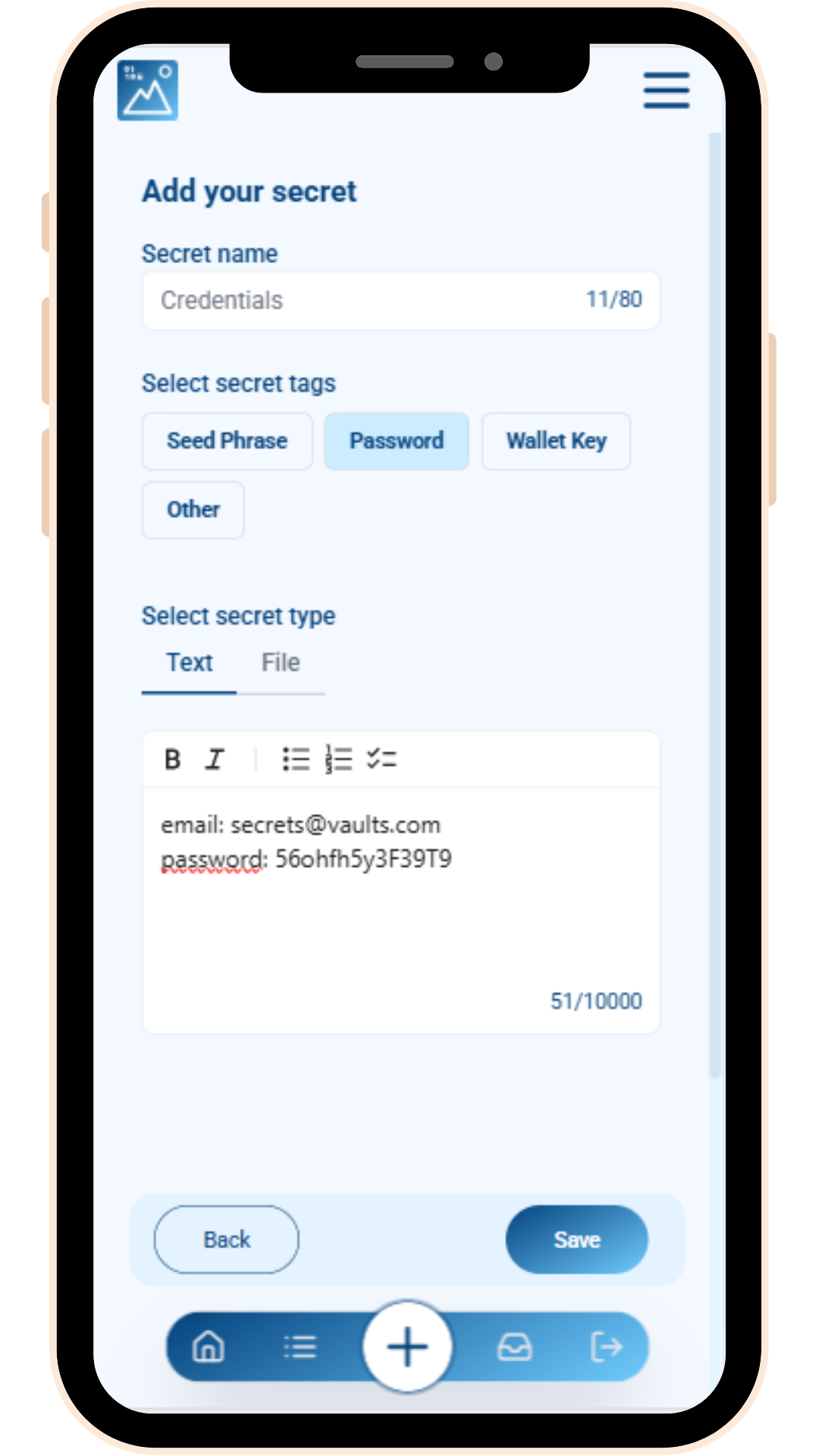
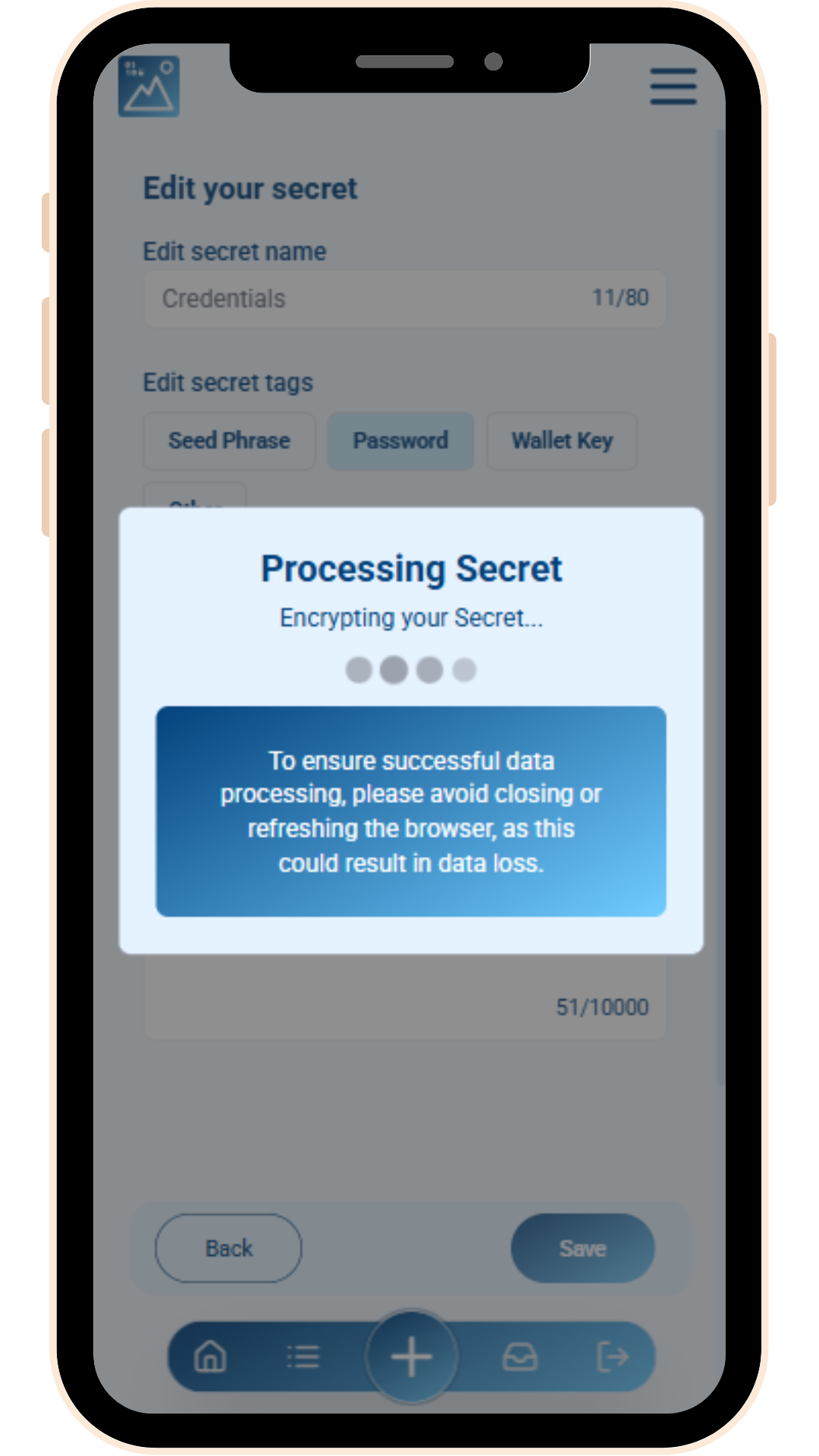
Step 1. Provide your secret

With Visual Safeguard by Secrets Vault, you can secure a wide range of sensitive information, such as:

secrest-vault-visual-safeguard

Cryptographic keys

Seed phrases, private keys for cryptocurrency wallets, and digital signing keys.

secrest-vault-visual-passcodes

Master passwords

Essential credentials for banking, healthcare, and other applications.

secrest-vault-visual-passcodes

Sensitive personal data

PINs, Social Security Numbers, IDs, and banking details.

secrest-vault-visual-passcodes

Confidential files

Important documents like reports, intellectual property, contracts, or patents.

We will never see your secrets; your privacy is our priority.

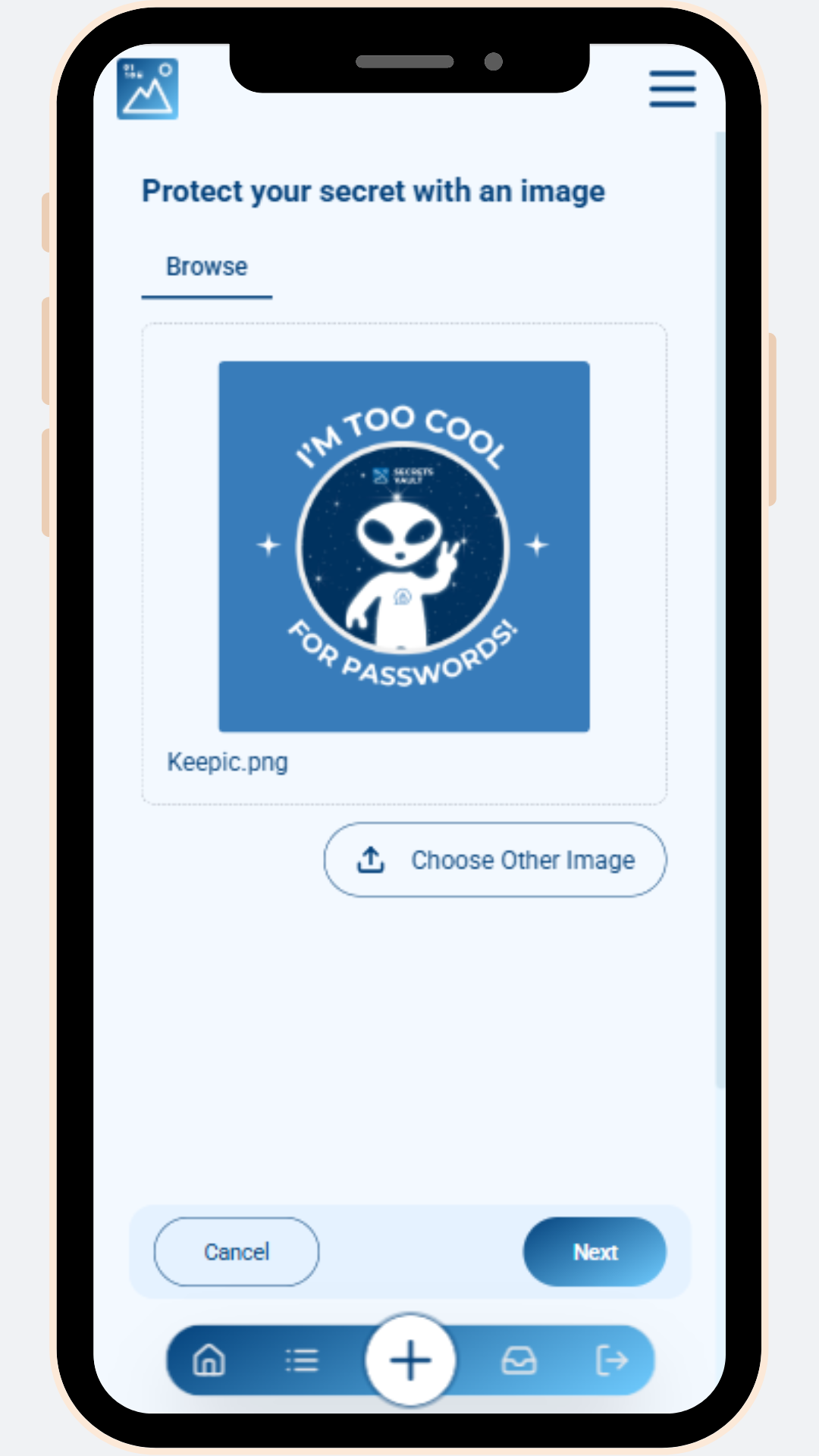
Step 2. Pick an image

The image plays a crucial role in protecting your sensitive information. It serves as one of the keys to securing the secret, allowing the user to access it later.

Easier to remember than a password, you can choose any picture from your device or capture one on the spot. This image, known as the “Keepic”, is completely private, we can never see it.

The image can be in any standard digital format (e.g., PNG, JPEG) and a minimum size. Remember that modified version of your Keepic (e.g., compression and resizing done by some social media app) shall also work later to recover your information.

Step 3. Encrypt your secrets with our data vault

Secrets Vault uses image-based post-quantum cryptography to protect your information. It transforms everyday images into secure keys that encrypt your most sensitive data, an innovative advancement in the data vault landscape.

The process begins by generating a unique encryption key derived from the chosen image, called the ‘Keepic,’ and a recovery code, known as the ‘KVault.’ Both work together to secure and later decrypt the stored secret.

The Keepic remains unchanged, looks like a regular image, and acts as your personal key to access the encrypted information.

This approach ensures both robust security and seamless usability.

Step 4. Store the image anywhere for easy access

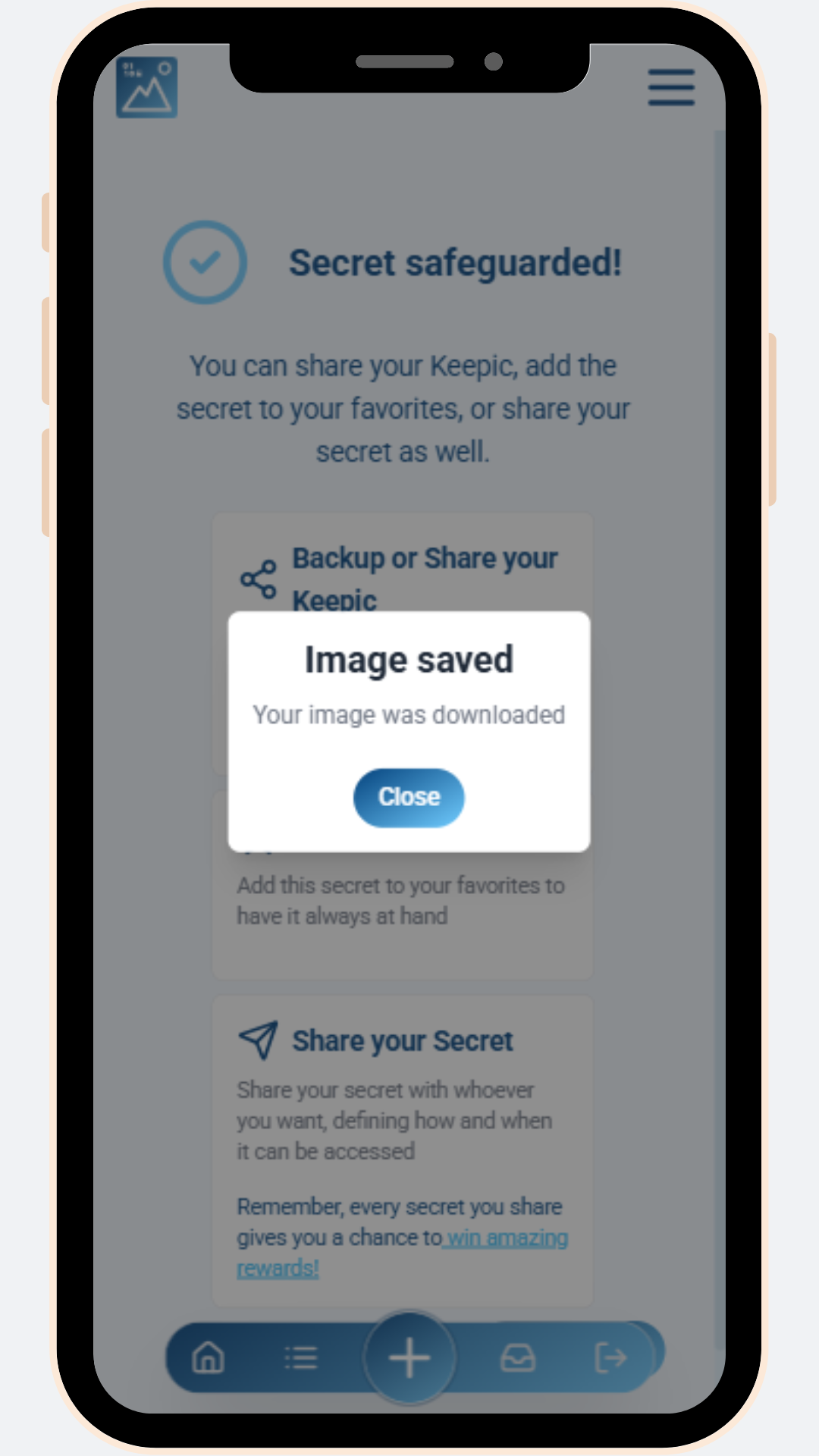
After your secret is complete, the Keepic can be stored or shared freely across any platform. You can post the image in social media or send it in a message, without compromising its security.

The Keepic requires no extra protection, as it remains undetectable. The image doesn’t have visible indicators that reveal its purpose. Its unmodified and innocuous appearance ensures that it blends seamlessly into any environment.

This makes the Keepic an ideal solution for long-term storage or sharing with others. It offers complete discretion for the sensitive data it safeguards, and you can recover it from multiple sites, even if the image is modified by social media or messaging applications.

Unique features of our data vault

secrests-vault-secure-and-manage-your-passwords

No passwords needed in our data vault

Access your secret without the hassle of remembering complex password combinations. Once inside Secrets Vault Data, you only need an image (your Keepic) to unlock your information.

secrets-vault-protect-your-sensitive-photos

Share access to your secrets securely with an image

Send your sensitive information to trusted individuals through our data vault. There are two ways to share: publicly & privately.

To grant access to a secret, simply send an invitation or link paired with the correct image (Keepic). This ensures that only the intended recipient can unlock the vault.

secrets-vault-protect-your-wallet-seed-phrases

Platform compatibility across devices

Our virtual data vault seamlessly integrates with various platforms and (D)Apps. It provides a flexible and reliable solution for securing your information across all your devices.

secrets-vault-preserve-your-familys-prized-secrets

Absolute privacy for your information

Secrets Vault Data provides end-to-end encryption, so only you, and the people you grant access to, can see your secrets. Not us, not the hosting provider, not a hacker breaking into the system. Only you.

Our data vault vs others

Why should you choose Visual Safeguard by Secrets Vault over other solutions?

Visual Safeguard by Secrets Vault is a user-friendly, safe and versatile data vault. It offers an unparalleled combination of usability and security for your sensitive information.

It replaces the complexity of passwords and codes with a simple picture, without compromising security.

Secrets Vault

Cloud​

Vault

Password Manager

Local Storage

Overview​

Secrets Manager protected by images​

Onedrive, Google drive and alike​

Vault12 and similar

LastPass, 1Password and similar

Local hard drive, pen drive and alike​

Document management​

Good​

Very Good

Good

Limited

Good

Access​

Very good

(many options)

Good

Good

Limited

Limited

Sharing access​

Very good

Very good

Limited

Good

Only locally

Technical Knowledge​

Smartphone skills

Standard computer skills

Medium computer skills

Medium computer skills

Medium computer skills

Inheritance​

Very good

Limited or none

Limited or none

Limited or none

Limited

Resilience to Data Breach​

Very high​
(end-to-end encryption)​

Average to

Very High​

High​

Average​

Very high​

Data Privacy ​

Absolute​
(no access to users’ data )​

Accessible by provider​

Accessible by provider​

Accessible by provider​

Very high​

Independency from third-party systems ​

High

Low

Low

Medium

Very high​

Reliability & Recovery​

Very high​
(multiple images)​

Very high​

Very high​

Very high​

Low​
(unless multiple copies)​

Secrets Vault Data redefines how sensitive information is managed, shared, and accessed.

ordenador-portatil

Image-based security

Replaces traditional passwords with images.

vista

Intuitive and visual

Seamless design with clear and easy-to-navigate interface.

cyber-attack

Resistant to traditional attacks

Enhances security against phishing, keylogging, and brute-force attacks through image-based protection.

collaboration

Multiple sharing choices per secret

Offers flexible, controlled sharing.

Get in touch with our team

contact us

Secrets Vault Data FAQ’s

A data vault is a secure tool for storing and protecting sensitive information.

It encrypts passwords or cryptographic keys and allows access only to authorized users.

Secrets Vault Data is an advanced data vault that replaces passwords with images. This makes access easier and more secure.

It also enables safe sharing and recovery, ensuring smooth use across devices and platforms.

Any kind of digital information, such as:

• Cryptographic keys: private keys for cryptocurrency wallets, seed phrases (e.g., 12 or 24-word recovery phrases for blockchain wallets), digital signing keys for secure transactions or communications.
• Passwords: complex passwords for accounts, systems, or applications, master passwords for accessing tools such as password managers, cloud tools, etc.
• Authentication credentials: multi-factor authentication (MFA) recovery keys, social login tokens or session credentials.
• Sensitive personal data: personal identification numbers (PINs), social Security Numbers (SSNs) or national IDs, bank account details or secure access codes.
• Confidential files and documents: sensitive documents or reports, intellectual property like contracts or patents, any relevant digital file the user needs to protect.
• Data for access recovery: password reset tokens or mechanisms, information required for account or identity recovery.
• Digital inheritance keys: secrets intended for transfer to appointed third parties in case of inheritance or emergency access.
• Application or API credentials: API keys or access tokens for developers and enterprises, secure credentials for integrating third-party services.

A data vault stores sensitive information. It’s a vital tool to prevent risks like hacking, loss, or damage caused by natural disasters or unforeseen events.

A data vault replaces traditional methods for storing sensitive information. Writing passwords on paper or saving data on your device can be risky. They can be lost, stolen, or destroyed in emergencies. Storing sensitive information in the cloud is convenient, but not private, and you rely on huge third parties that may block your access at will.

Using modern technology keeps your information safe and accessible, even in worst-case scenarios.

It provides peace of mind by allowing easy access to your data when needed. It cuts the fear of losing control over critical information.

The primary purpose of a data vault is to securely protect sensitive data like passwords and keys. It helps the user to store, access, and manage their information safely. Data vaults avoid data loss and unauthorized access. Ultimately, it gives the user control over their sensitive information.

A data vault stores sensitive data like API keys, cryptographic keys, and confidential files. A password manager mainly handles passwords.

Data vaults offer more features. They allow controlled access to various data, not just passwords. Password managers focus on making logins easier.

Data vaults also include tools for managing access in systems and development environments.

Yes, a data vault can store files, depending on its features.

Secrets Vault Data lets you securely store any document. It is perfect for confidential files like contracts, reports, and intellectual property.

It encrypts data and protects access with a unique image. Only authorized users can retrieve the stored files.

Data vaults are a great way to keep sensitive information safe.

A data vault is a secure tool for storing sensitive information. This includes passwords, cryptographic keys, and confidential files. Everything is kept in an encrypted format.

It allows easy access to stored secrets. Many also offer features like secure sharing and recovery.

Secrets Vault Data takes this a step further. It uses visual cryptography, a new and patent-pending method. It uses images to access, protect, and share secrets.

The risks of data vault include unauthorized access, data breaches, and loss of access from forgotten credentials or weak backups.

Human error and misconfigurations can expose sensitive information. Centralized storage creates a single point of failure if not properly secured. Outdated encryption and poor integration with applications can also lead to vulnerabilities.

Secrets Vault Data reduces these risks. It provides secure access controls and advanced encryption that prevents data breaches by design.

IAM refers to systems and processes that verify user identities and authenticate them. They manage their access to resources and ensures only authorized individuals can perform specific actions within an organization.

A data vault securely stores, encrypts, and manages sensitive information. It focuses on passwords, cryptographic keys, and confidential files. They protect the data and provide controlled access to secrets.

Secrets Vault Data as a secrets manager uses visual cryptography to protect sensitive information. The innovative feature of image-based security improves the experience. Secrets Vault can integrate with IAM systems for easier access and data protection.

Our cryptographic scheme is designed to execute entirely on the user’s device, ensuring that neither the secret nor the Keepic is ever exposed to third parties. The only component that leaves the user device is the Kvault, which is securely custodized by the Secrets Vault platform. Along with the Kvault, a Keepic commitment is sent to Secrets Vault for future retrieval. This commitment enables Secrets Vault to validate a zero-knowledge proof provided by the user before releasing the Kvault, confirming that the user has the correct Keepic without revealing it. This setup ensures that the Keepic remains private and prevents impersonation attempts by unauthorized users.

A data vault is a tool for storing and managing sensitive information. This includes API keys, passwords, certificates, and encryption keys. Its main focus is secure storage and controlled access.

Secrets Vault goes beyond secure storage. It offers a new way to manage and protect sensitive information. It is designed for modern users who prefer a visual approach. Here are a few key features of Secrets Vault:

• Image-based simplicity: replaces complex passwords and codes with an intuitive image-based system.
• Easy setup and use: quick and simple onboarding process for seamless protection of sensitive data.
• Accessible to all users: perfect for both first-time users and seasoned professionals. Everyone can access shared information without any prior technical knowledge.
• Uncompromising security: ensures robust protection of sensitive information without sacrificing usability.
• Effortless sharing: securely share secrets with trusted individuals using the “Keepic” image.
• Versatility as a password manager: stores passwords, cryptographic keys, and other credentials. And it eliminates the need for a master password by using an image as the access key.
• Enhanced usability for everyday security: simplifies digital security for individuals and businesses alike. It’s ideal for managing and sharing confidential data across various platforms.
• A smarter, safer choice: combines innovation, security and user-friendliness in a single solution.

Redefines digital security, making it easier and safer to protect your data.

Privacy Summary

This website uses cookies so that we can provide you with the best possible user experience. The cookie information is stored in your browser and performs functions such as recognizing you when you return to our site or helping our team understand which sections of the site you find most interesting and useful.