Password Fatigue: Risks After Vacation
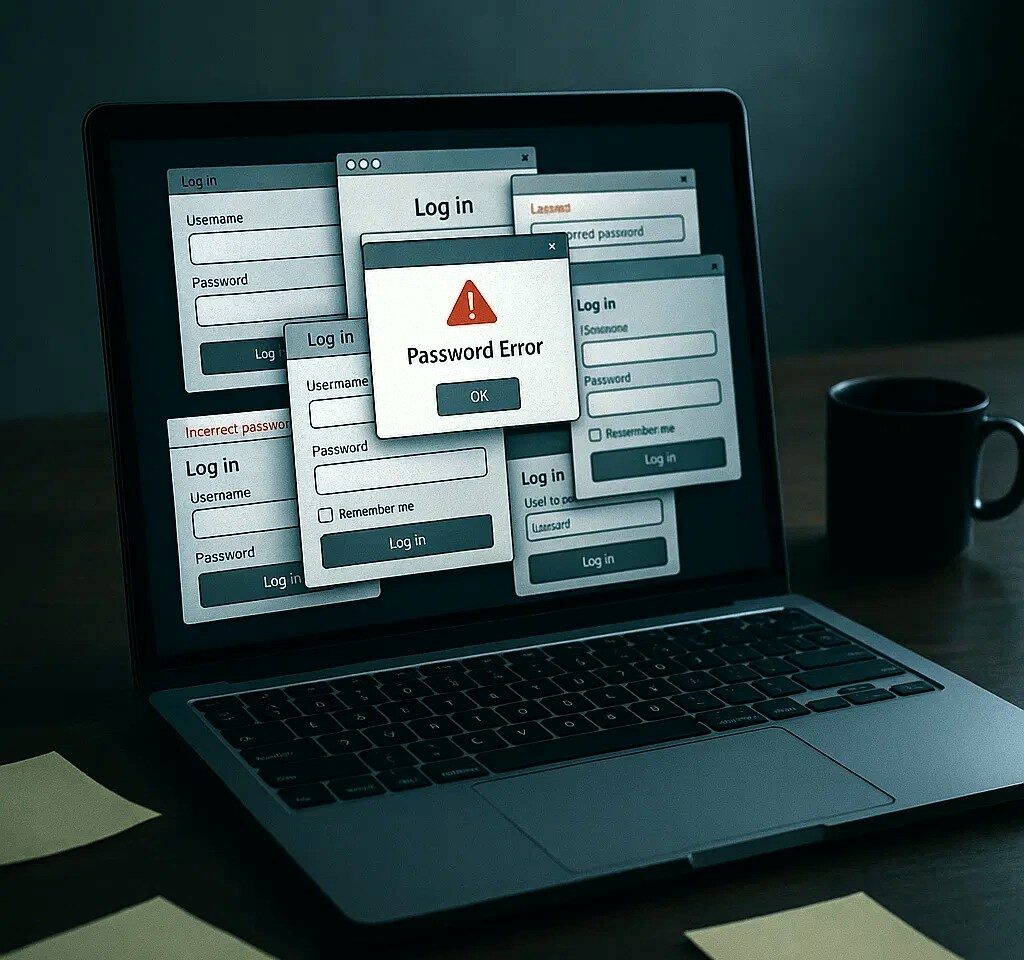
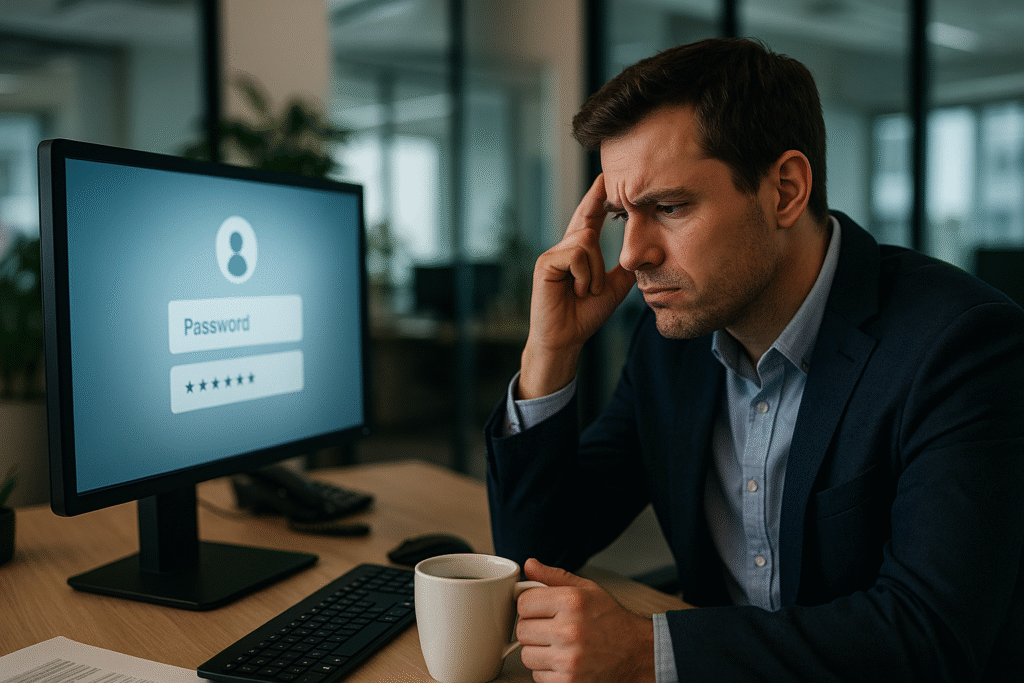
Few things feel better than logging off, leaving the office behind, and taking a well-deserved holiday. But for many employees, the first day back comes with an unwelcome surprise: they can’t remember their passwords. Instead of easing into work, they’re stuck calling IT, waiting for resets, and losing precious time.
This is more than an individual annoyance. Across companies, post-vacation password chaos has become a real productivity and security risk.
Why Passwords Become a Problem After Time Off
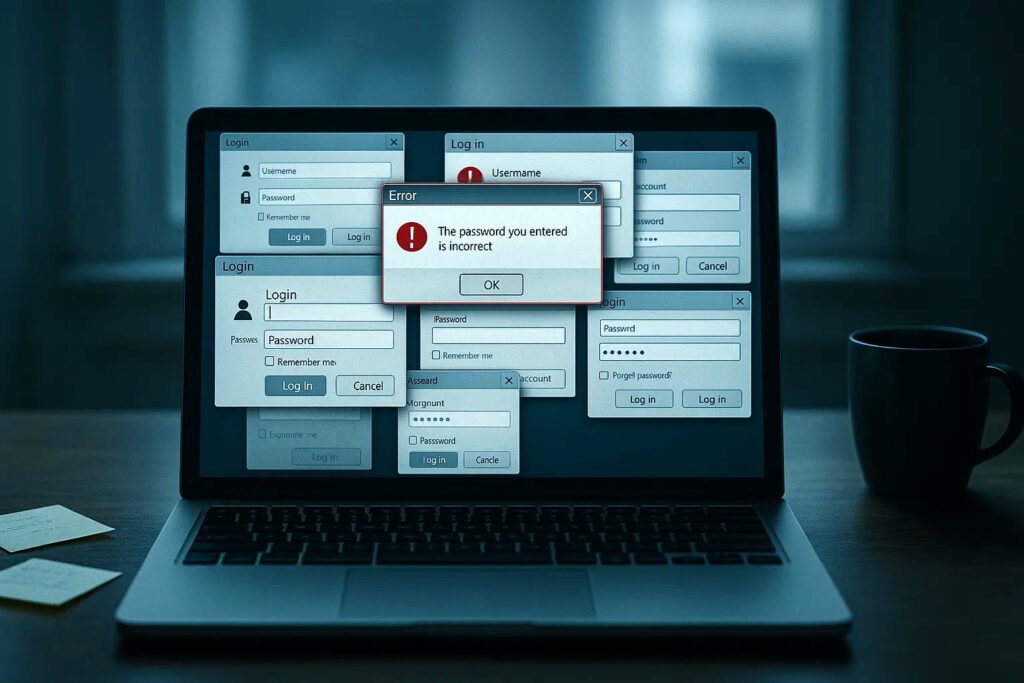
When employees step away for two or three weeks, work login details are often the first thing forgotten. Research shows that 20–50% of all helpdesk calls are related to password resets. Each reset can take anywhere from 2 to 30 minutes to resolve, costing IT teams time and frustrating staff who just want to get back to work.
- A Forrester study estimated that large organizations spend over $1 million annually on password resets alone.
- 57% of workers say they’ve needed a reset in just the past 90 days (Help Net Security).
- According to Bitdefender, 59% of employees believe passwords directly affect their productivity.
The scramble to get back online also leads to bad security habits: reusing old passwords, writing them down, or creating easily guessable combinations. This is exactly the moment attackers exploit.
The Hidden Cost of Password Fatigue
The bigger issue isn’t just the reset surge after holidays, it’s password fatigue itself. The average employee now manages close to 100 passwords across work and personal life (NordPass). Each requires complexity, frequent changes, and unique combinations.
It’s no wonder that even a short break can wipe those details from memory. Password resets eat into working hours, but they also eat into budgets: organizations lose about $480 per employee per year to password-related issues (BleepingComputer).
And there’s a deeper cybersecurity risk: 86% of breaches involve weak or stolen credentials (Verizon DBIR 2023). Forgotten logins and rushed resets aren’t just an IT headache, they’re a vulnerability.
Practical Steps for Companies
Instead of accepting password chaos as the norm, organizations can take clear, actionable measures:
- Assess and quantify password-related support volume after holidays. Track how many helpdesk tickets and hours are consumed by resets to reveal the hidden cost.
- Identify the most affected systems. HR portals, VPNs, and productivity apps are often the hardest hit, so prioritize stronger access strategies here.
- Introduce backup and access tools that don’t rely on memory or a single device. Reduce dependency on sticky notes, mobile authenticators, or paper lists.
- Test passwordless tools for high-sensitivity roles. For example, using Secrets Vault for executive accounts, financial records, or recovery keys eliminates memory-based failures.
- Encourage a shift toward systems that align with how people actually work. Simplicity, resilience, and secure recovery matter more than strict but fragile rules.
These steps not only reduce the seasonal password surge but also strengthen overall cyber resilience.
Isn’t It Time We Ask for Something Better?
Passwords have been the cornerstone of digital security for decades. They are simple, universal, and familiar. But that simplicity comes at a cost. From a cybersecurity perspective, passwords are one of the weakest links in modern defense strategies.
The Pros of Passwords
- Ubiquity – Every system supports them.
- Low cost – Easy to implement with no specialized infrastructure.
- User familiarity – Everyone knows what a password is and how to use one.
The Cons of Passwords
- Easily forgotten – Human memory is unreliable.
- Reused across accounts – 65% of people admit to reusing the same password across multiple platforms (LastPass).
- Vulnerable to attacks – Passwords can be phished, guessed, or stolen in breaches.
- Expensive to manage – Each reset request adds cost and delays.
- Weak against modern threats – Credential stuffing, brute force, and social engineering all exploit password-based systems.
The Verizon DBIR 2023 found that compromised credentials were behind nearly half of all breaches worldwide. Attackers don’t need to outsmart firewalls when they can simply trick or steal a password from an employee.
Why Passwordless Security Is the Logical Next Step
The shortcomings of passwords have sparked a major shift toward passwordless authentication. By removing the dependency on something people must remember, organizations gain both stronger security and a smoother user experience.
Alternatives like biometrics, hardware tokens, or image-based keys reduce the attack surface dramatically:
- No strings of characters to steal in a breach.
- No risky reuse across multiple systems.
- No easy target for phishing or brute force.
At the same time, they solve the productivity problem. Employees don’t need to wait on IT for resets or juggle dozens of complex logins. Access becomes faster, safer, and less frustrating.
But there’s a catch. Most passwordless solutions are costly and complex. Rolling out hardware tokens, biometrics, or specialized software can add licensing fees, deployment hurdles, and new devices for employees to manage. For many businesses, these “alternatives” replace one problem with another.
A Simpler Way: Secrets Vault
That’s where Secrets Vault takes a different path. We’re building a secure Identity & Access Management (IAM) system that eliminates the need for extra hardware or complex software installs while directly reducing password fatigue.
With Secrets Vault, companies can choose the model that works best for them:
- Passwordless login – Employees can log in without ever typing a password, with the option to add a simple PIN for extra protection.
- Image-based two-factor authentication (2FA) – Use an image as a second factor, avoiding reliance on SMS or authenticator apps.
- Account recovery with images – Even if everything is forgotten, users can securely restore access using an image.
And we’re expanding the possibilities further:
- Passkey roaming for easy cross-device authentication.
- Soft hardware tokens that combine a USB drive with an image-based key, delivering the strength of hardware tokens without the cost.
Because Secrets Vault adapts to existing company workflows, IT teams don’t need to rip out infrastructure. Instead, they see immediate benefits: fewer helpdesk calls, fewer resets, and employees who can focus on work instead of credentials.
And importantly, our solution is compliant with GDPR and NIS2, fully cloud-ready in the EU, and available on-premises for organizations that need maximum control.
Passwords are the past. Visual authentication is the future.
The Takeaway
Passwords had their place. They were cheap, easy, and familiar. But today, they cost businesses millions, frustrate employees, and leave the door open to attackers.
It’s time to move beyond them. Passwordless systems like Secrets Vault prove that security can be both stronger and simpler without relying on human memory.
Discover how image-based access can simplify your company’s security strategy: secretsvault.xyz